
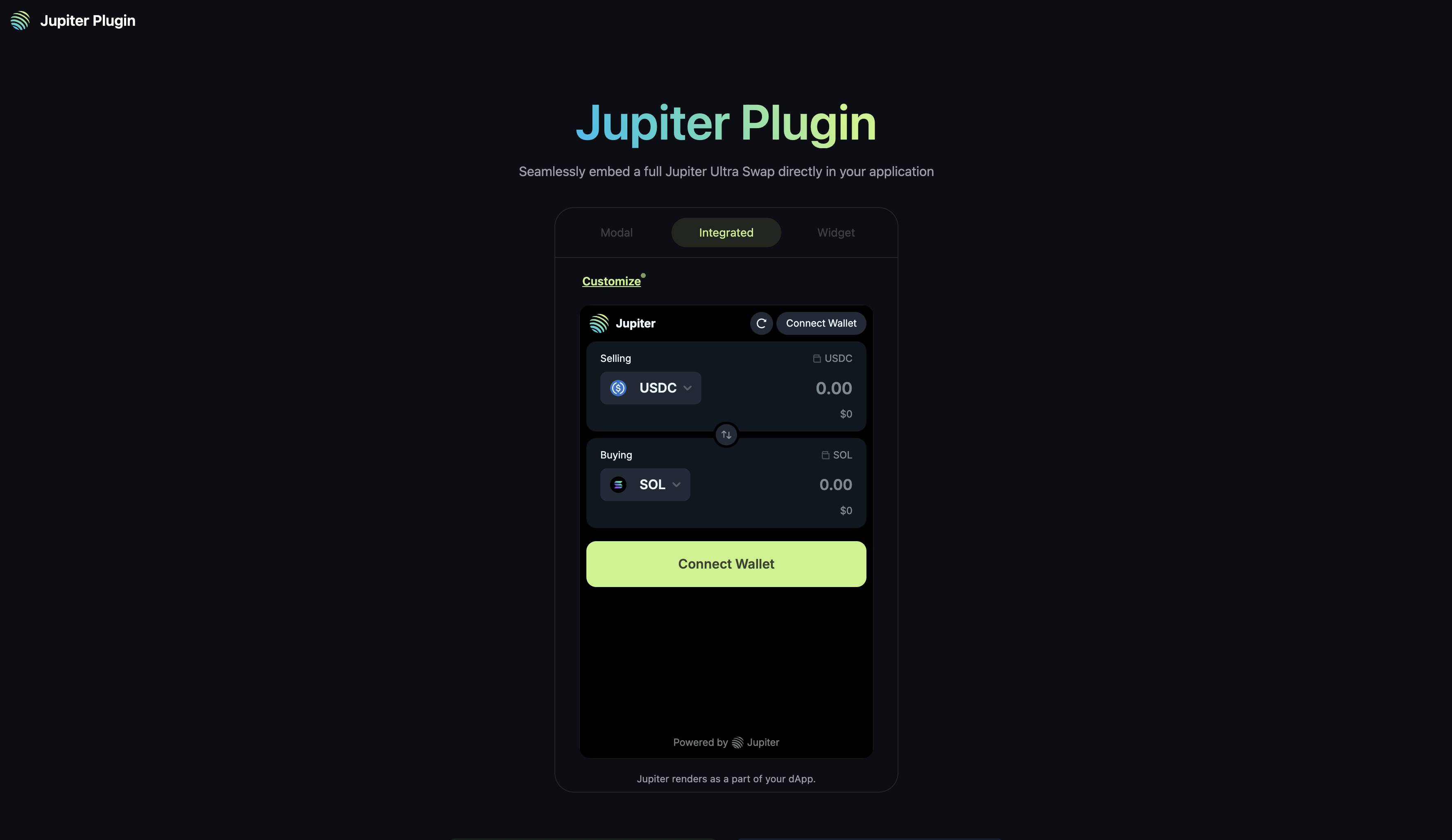
QUICK STARTTo quick start your integration, check out the Next.js, React or HTML app examples.Refer to Customization and FAQ for more information.
Key Features
- Seamless Integration: Embed Jupiter’s swap functionality directly into your application without redirects.
- Multiple Display Options: Choose between integrated, widget, or modal display modes.
- Customizable Options: Configure the swap form to match your application’s needs.
- RPC-less: Integrate Plugin without any RPCs, Ultra handles transaction sending, wallet balances and token information.
- Ultra Mode: Access to all features of Ultra Mode, read more about it in the Ultra Swap API docs.
Getting Started
When integrating Plugin, there are a few integration methods to think about, and choose the one that best fits your application’s architecture and requirements.Integration Methods
- Using Window Object - Simplest way to add and initialize Plugin.
- Using NPM Package - Install via
npm install @jup-ag/pluginand initialize as a module (will require you to maintain its dependencies).
Wallet Integration
- Wallet Standard Support: For applications without existing wallet provider, Plugin will provide a wallet adapter and connection - powered by Unified Wallet Kit.
- Passthrough Wallet: For applications with existing wallet provider(s), set
enableWalletPassthrough=truewith context, and Plugin will allow the application to pass through the existing wallet provider’s connection to Plugin.
Adding Fees to plugin
- Referral Account: You can create a referral account via scripts or Referral Dashboard.
- Referral Fee: You can set the referral fee and account in the
formPropsinterface when you initialize the Plugin.