
Teams
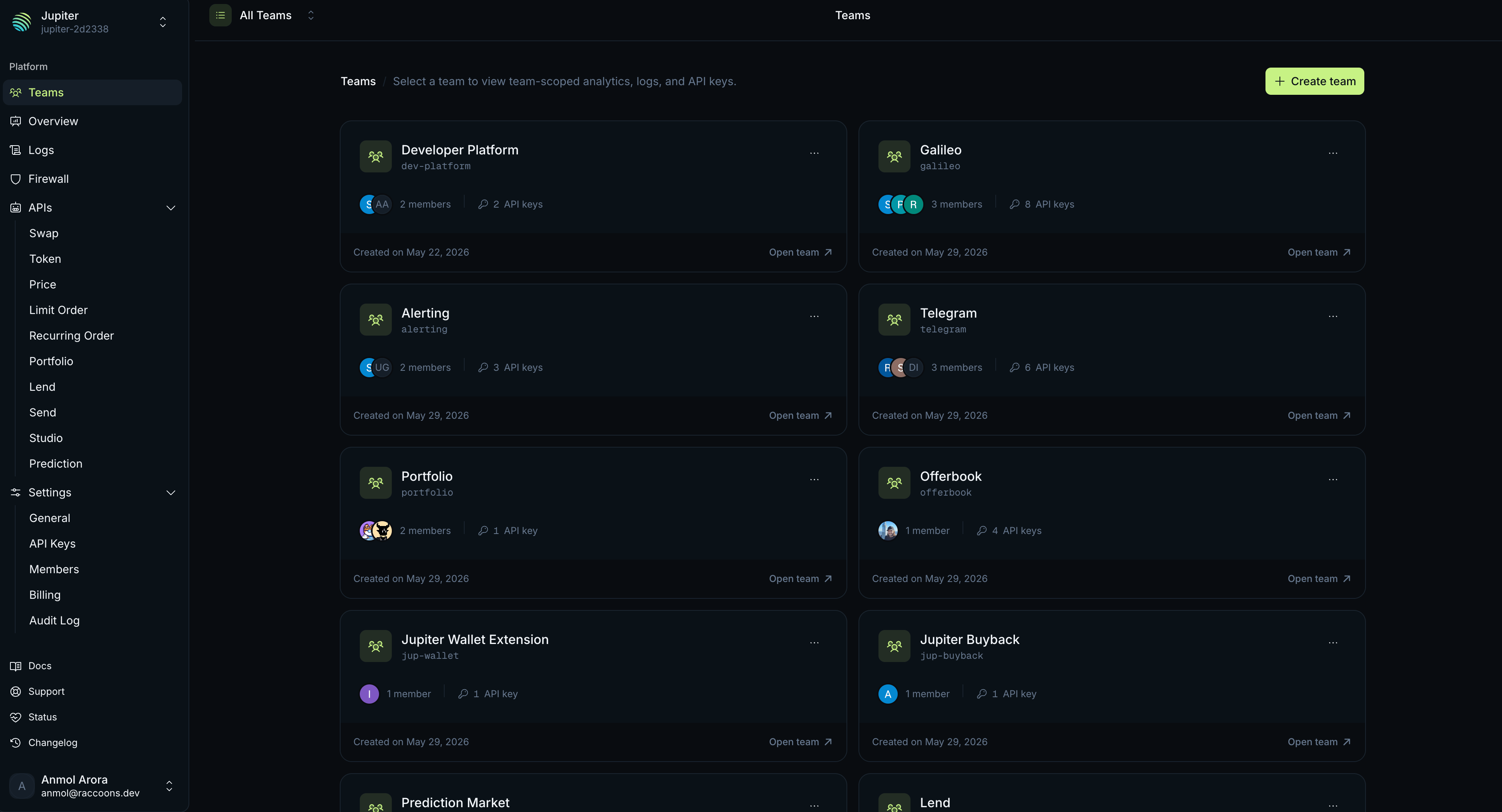
Create a team for each product or environment you want to track on its own. A team holds its own:- API Keys
- Analytics
- Request Logs
- Firewall Rules
/portal/{org}/{team}. Slugs are lowercase letters, digits, and hyphens, up to 48 characters, and unique within the organisation. If a name produces a slug that is already taken, Portal adds a short suffix to keep it unique. Switch between teams from the team selector in Portal.
Deleting a team permanently invalidates its API keys. Any request using those keys will be rejected.
Members and roles
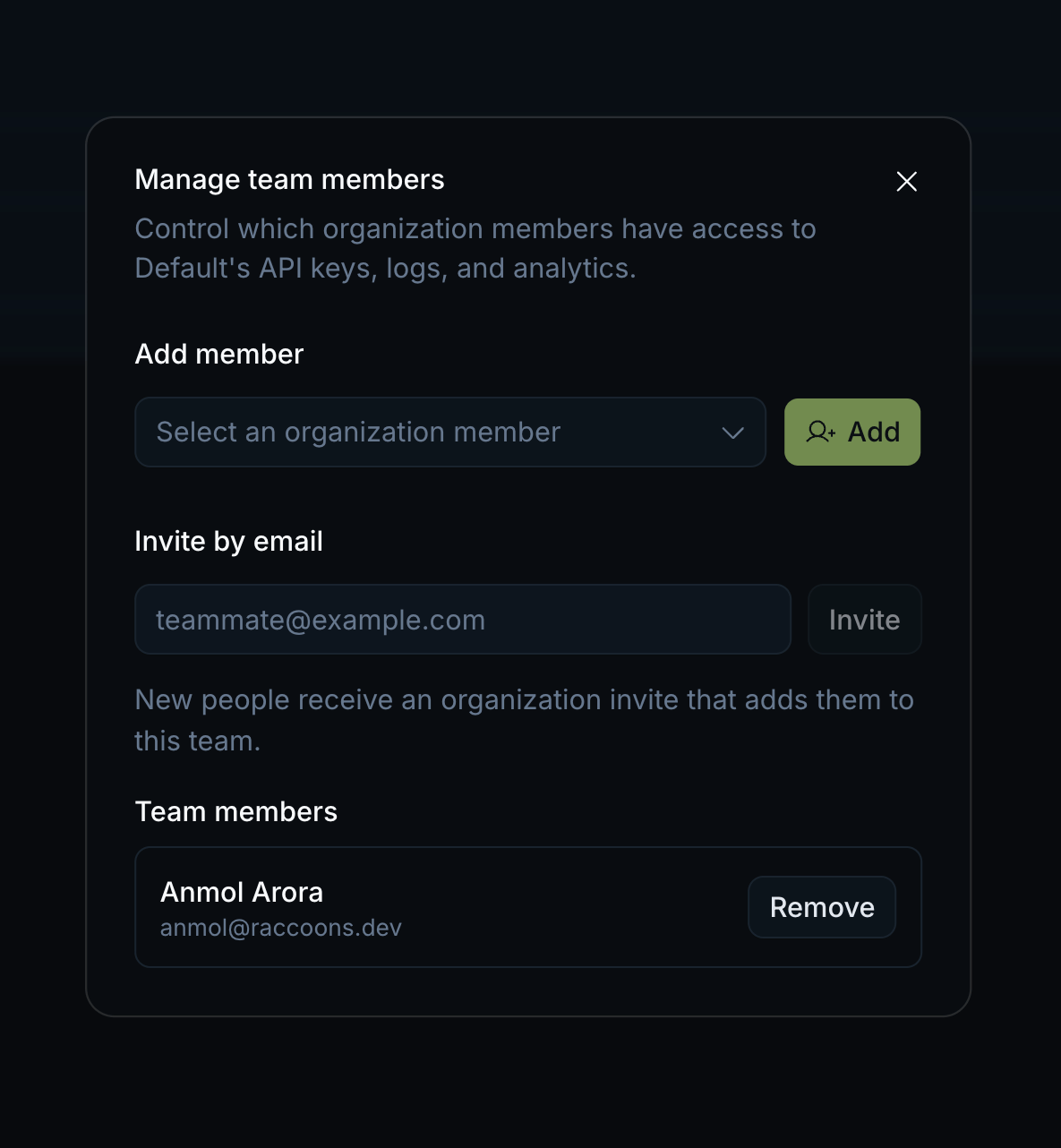
Invite people to your organisation by email. An invitation expires after 10 days. An organisation has three roles: owner, admin, and member. Team membership is separate from the organisation role: you are either in a team or not, with no per-team roles.Who can do what
An organisation can have multiple owners. To grant ownership, an existing owner promotes another member to owner. The original owner keeps their role unless they voluntarily demote themselves. An organisation must always have at least one owner: the last remaining owner cannot be demoted or removed.
Related
API Keys
Create and scope the keys that belong to each team.
Firewall
Add rules that apply to a team’s traffic.
Analytics
Every member can view any team’s analytics.
Request Logs
Every member can inspect any team’s request logs.